
IGCSE Computer Science – Data representation
Categories: Computer Science
Wishlist Share
Share Course
Page Link
Share On Social Media

About Course

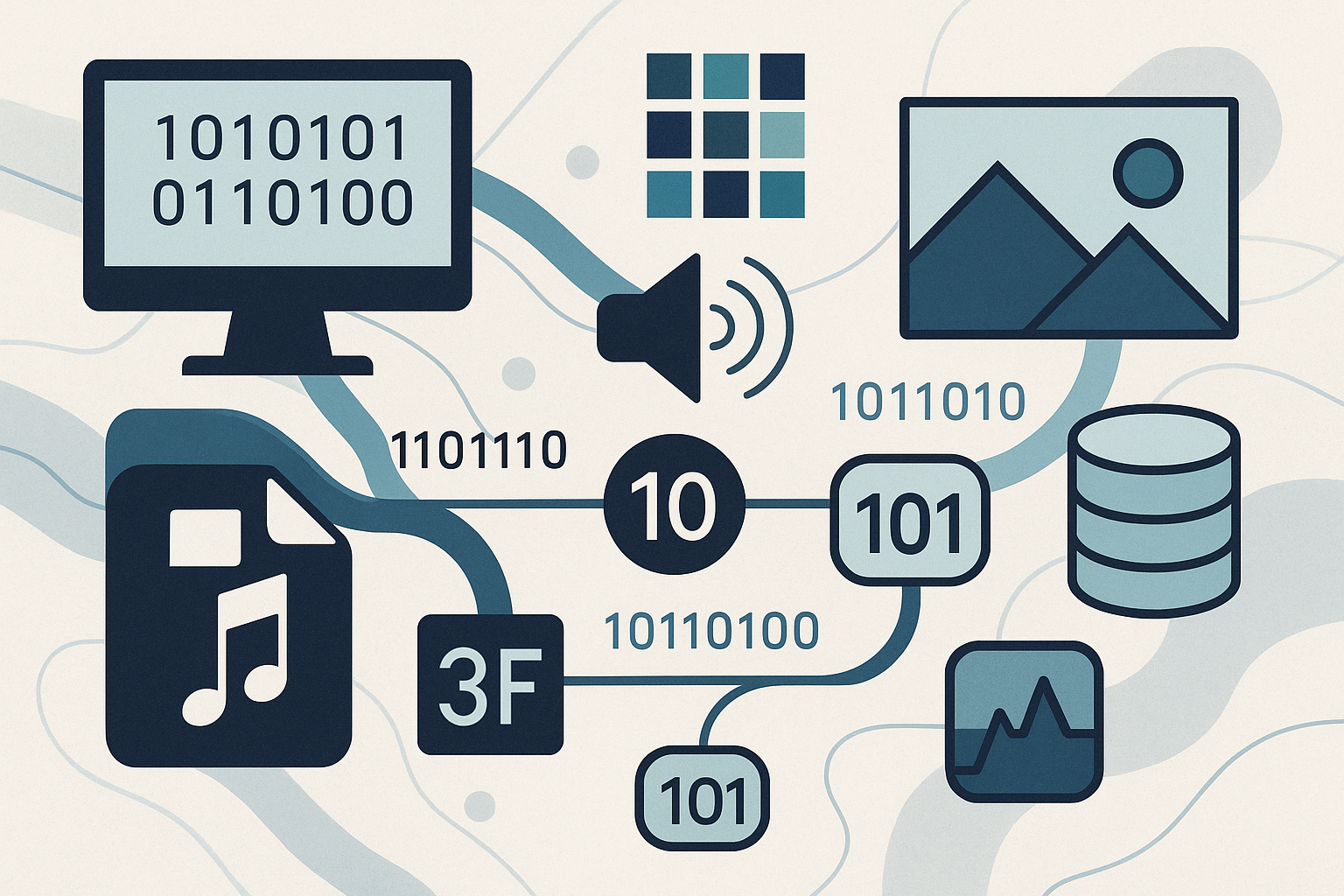
This chapter explores how computers represent, store, and process different types of data using various number systems and encoding techniques. You will learn the fundamental principles of binary, hexadecimal, and denary systems, how to convert between them, and why these systems are essential in computing.

You will also study binary operations, including:

  • Adding two positive 8-bit binary numbers

  • Understanding overflow errors in binary addition

  • Applying logical binary shifts

  • Representing positive and negative integers using two’s complement notation

In the second section, you will investigate how computers handle text, sound, and images:

  • How text is represented using character sets such as ASCII and Unicode

  • How sound is digitised using sampling rate and sample resolution

  • How images are represented using resolution and colour depth, and the impact of these factors on image quality and file size

The final part of the chapter focuses on data storage and compression:

  • How storage is measured in bits, bytes, and larger units

  • How to calculate file sizes for image and sound data

  • Why compression is necessary and how it reduces file sizes

  • The differences between lossy and lossless compression methods and when to use each

By the end of this chapter, you will understand not only how data is represented inside a computer but also why these methods are chosen for efficiency, accuracy, and compatibility in real-world applications.

Show More

What Will You Learn?

  • In this chapter you will learn about:
  • ★ number systems
  • – how and why computers use binary to represent data
  • – the denary, binary and hexadecimal number systems
  • – converting numbers between denary, binary and hexadecimal
  • – how and why hexadecimal is used for data representation
  • – how to add two positive 8-bit numbers
  • – overflow when performing binary addition
  • – logical binary shifts on positive 8-bit integers
  • – two’s complement notation to represent positive and negative binary numbers
  • ★ text, sound and images
  • – how and why a computer represents text
  • – the use of character sets including ASCII and Unicode
  • – how and why a computer represents sound
  • – sound sample rate and sample resolution
  • – how and why a computer represents an image
  • – the effects of the resolution and colour depth on images
  • ★ data storage and compression
  • – how data storage is measured
  • – calculating the file size of an image and sound file
  • – the purpose of and need for data compression
  • – lossy and lossless compression.

Course Content

Number System
How and why computers use binaryComputers use binary (base 2) because all data is processed using electrical signals that have two states: on (1) and off (0).Binary is simple for hardware to store and process.Number systemsDenary (base 10): Digits 0–9, used by humans.Binary (base 2): Digits 0 and 1, used by computers.Hexadecimal (base 16): Digits 0–9 and letters A–F, often used for compact data representation.ConversionsDenary ↔ Binary: Divide/multiply by 2, write remainders or positional values.Denary ↔ Hexadecimal: Divide/multiply by 16 or use positional values.Binary ↔ Hexadecimal: Group binary digits into 4-bit chunks.Why hexadecimal is usedShorter and easier for humans to read than binary.Used in memory addresses, colour codes, and machine code debugging.Adding two positive 8-bit numbersAdd bit by bit from right to left, carrying over when sum ≥ 2.OverflowHappens when the result is too large to fit into the allocated bits (e.g., 8-bit addition producing a 9th bit).Logical binary shiftsLeft shift: Moves bits to the left, filling rightmost bit with 0 (effectively multiplies by 2).Right shift: Moves bits to the right, filling leftmost bit with 0 (effectively divides by 2).Two’s complementMethod to represent positive and negative binary numbers.Most significant bit (MSB) is the sign bit: 0 = positive, 1 = negative.To find negative: invert all bits, then add 1 to the result.

  • Number System
    00:00

Text Sound Image
How and why a computer represents textText is stored as binary codes for each character.Each character is assigned a unique numeric code from a character set.Character setsASCII (American Standard Code for Information Interchange): 7-bit (128 characters) or 8-bit (256 characters with extended ASCII).Unicode: Uses up to 32 bits, supports characters from almost all languages and symbols worldwide.How and why a computer represents soundSound waves are analogue; computers store sound digitally by sampling the wave at regular intervals.Each sample is stored as a binary number.Sound sample rate and sample resolutionSample rate: Number of samples per second (Hz). Higher rate = more accurate recording, larger file size.Sample resolution (bit depth): Number of bits per sample. Higher resolution = greater dynamic range and accuracy, larger file size.How and why a computer represents an imageImages are made of pixels, each pixel represented by a binary value.Colour is represented using colour depth (number of bits per pixel).Effects of resolution and colour depthResolution: Number of pixels in an image. Higher resolution = sharper image, larger file size.Colour depth: More bits per pixel = more colours, larger file size.

Data Storage and File Compression
How data storage is measuredBit: Smallest unit of data (0 or 1).Byte (B): 8 bits.Larger units: kilobyte (KB) = 1024 B, megabyte (MB) = 1024 KB, gigabyte (GB) = 1024 MB, terabyte (TB) = 1024 GB.Calculating file sizeImage:File Size = Resolution (width × height) × Colour Depth (bits) ÷ 8 File Size=Resolution (width × height)×Colour Depth (bits)÷8 Sound:File Size = Sample Rate × Bit Depth × Duration (seconds) × Number of Channels ÷ 8 File Size=Sample Rate×Bit Depth×Duration (seconds)×Number of Channels÷8 Purpose and need for data compressionReduces file size to save storage space and speed up transmission.Especially important for streaming, downloading, and limited storage devices.Lossy vs Lossless compressionLossy: Permanently removes some data to reduce size (e.g., JPEG, MP3). Smaller files but lower quality.Lossless: Compresses without losing data (e.g., PNG, FLAC). Larger files but original quality preserved.

Quiz
Quiz about: 1. Number System 2. Text Sound Image 3. Data Storage and File Compression

Student Ratings & Reviews

No Review Yet
No Review Yet